Play over the Internet
Over the Internet, the host opens one port on their router and the others join by typing the host's address. The template ships with the engine's Null online subsystem, which lists games on the local network only, and there is no NAT traversal, no relay and no lobby service.
Joining by address works on one PC (127.0.0.1), but a game between two PCs, on a local network or
over the Internet, has not been played.
Before you start
- The same build of the game on every PC. The host refuses a player whose version differs.
- Access to the host's router settings.
- A public IPv4 address for the host. Without one, use a virtual local network instead.
Steps
1. Forward the port on the host's router
The host's game listens on UDP port 7777, the engine's default.
- On the host's PC, run
ipconfigin a command prompt. Note the IPv4 Address of your network adapter, for example192.168.1.20. - In your router, reserve that address for this PC (often called a DHCP reservation or a static lease). Otherwise the forwarding breaks the day the PC gets another address.
- Forward UDP 7777 to that address. The menu is often called Port forwarding, NAT or Virtual server.
- Find your public address, for example
203.0.113.5. Your router's status page shows it, as does any "what is my IP" web page.
2. Host the game
- Main menu, HOST. Type your name and, if you like, a password.
- Choose the WORLD, then START.
- If Windows asks whether the game may use the network, allow it.
- Send your friends the public address, and the password if you set one.
The password keeps strangers out of a game between friends, and it is not encryption. The host
checks every move by default
(bHostAuthoritativeMovement in DA_Session_Default): keep it ticked with strangers.
3. Join from each friend's PC
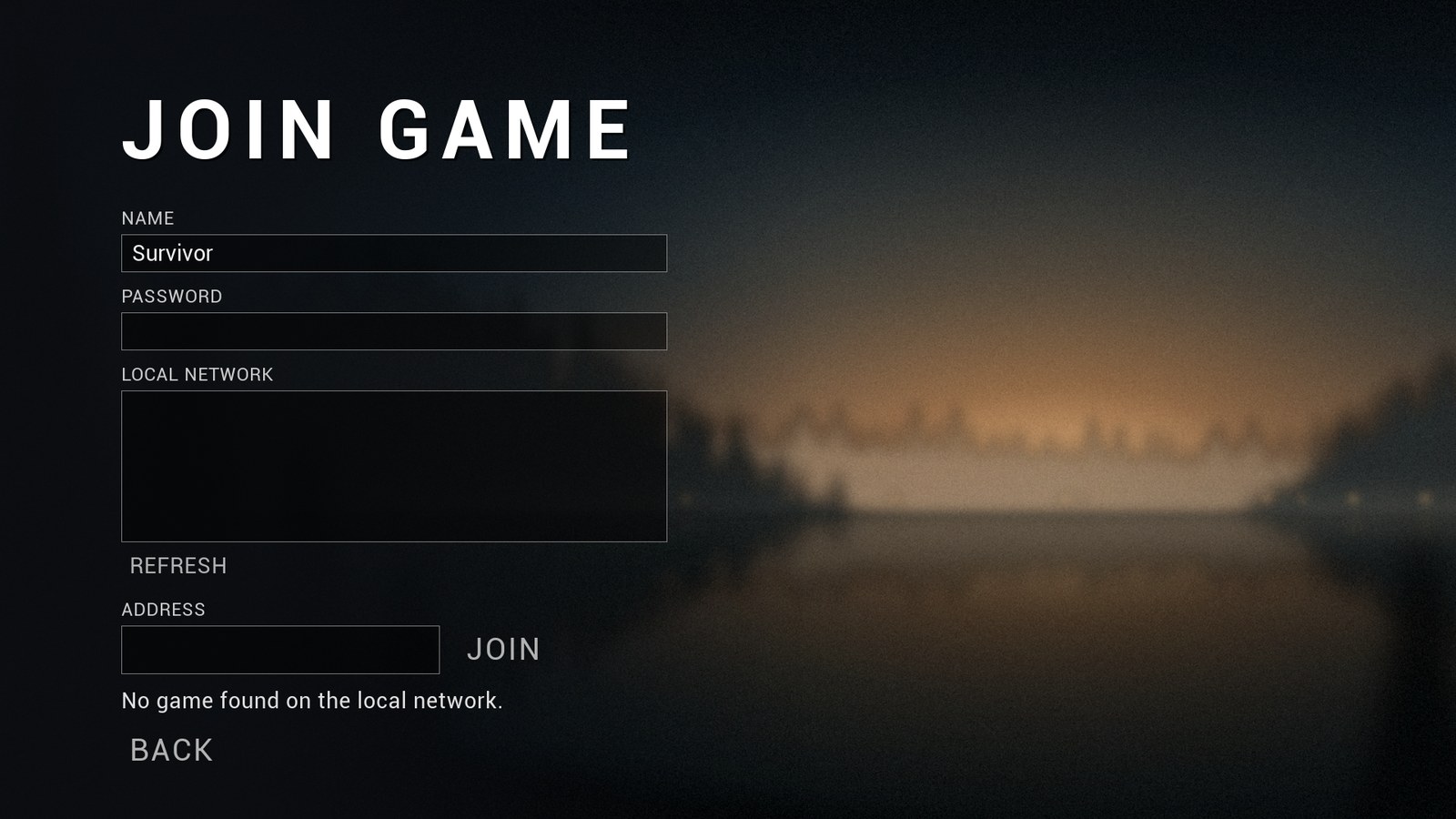
- Main menu, JOIN.
- Type your name, and the password if the host set one.
- Type the host's public address in the address field and press JOIN.
The field accepts four numbers, a.b.c.d, optionally followed by a port, a.b.c.d:7777. A host
name such as myhome.example.net is refused.
Check that it works
The friend's game loads the host's world, and the first time character creation opens over it. Both players see each other's survivors.
No port to open: a virtual local network
Some Internet providers share one public IPv4 address between several customers (carrier-grade NAT,
or CGNAT), and no port can then be forwarded to you. It shows on your router's status page: the
public address there falls between 100.64.0.0 and 100.127.255.255, or differs from the one a
"what is my IP" web page gives.
A virtual private network tool made for games and small groups, such as ZeroTier, Tailscale or Radmin VPN, puts the PCs on one virtual local network, with no port to open. The template does not recommend one, and none was tried with it.
- Every player installs the same tool and joins the same network, as the tool's documentation says.
- The tool gives each PC an address on that network. The host notes theirs.
- The host hosts as in step 2. Windows may class the virtual network as public: if it asks whether the game may use the network, allow it there too.
- The others type the host's address on the virtual network in the address field of JOIN, as four numbers, and press JOIN.
The JOIN list finds games by a broadcast that not every virtual network carries, so join by address.
If it does not work
Test in two stages: first on the same local network, with the host's local address
(192.168.1.20), then over the Internet with the public one. If the local test works and the
Internet one does not, the cause is the router or the provider.
- The join fails after 20 seconds (
InitialConnectTimeout, inConfig/DefaultEngine.ini): the packets do not reach the host. Check the forwarding (UDP and not TCP, port 7777, the right local address), the Windows firewall on the host, and that the host is hosting at that moment. - It works on the local network and never over the Internet: your provider may share one public address between customers. Ask them, or use a virtual local network.
- The host is on another port: if another program already uses port 7777 on the host's PC, the engine listens on a following port without saying so. Close other copies of the game, or any program that uses that port.
- "The host runs a different version of the game.": both PCs need the same build, with the same
ProjectVersion. - Wrong password: the menu says so under its buttons.
- The game is full: the host takes at most
MaxPlayersplayers, four unless you change the number of players.