Isometric or first person
The template plays from an isometric camera. One setting of DA_Vision_Default puts the camera at
the survivor's eyes instead.
The view is chosen once for the whole game, when your survivor's camera is set up. There is no switch
during a game and no entry in the OPTIONS menu. Adding a switch means graph work in
SetupFirstPerson of BP_Survivor, which also has to be undone to go back.
Steps
- Open
Content/ZombieSurvival/DataAssets/Vision/Childs/DA_Vision_Default. - Tick
bFirstPerson. - Change the other first person fields if you like (table below).
- Save the Data Asset.
- Open
Content/ZombieSurvival/Maps/L_Worldand press Play.
| Field | Default | What it does |
|---|---|---|
bFirstPerson |
off | Puts the camera at the survivor's eyes, in perspective. |
FirstPersonFieldOfView |
90 | Horizontal field of view, in degrees. |
FirstPersonEyeOffset |
(15, 0, 64) | Camera position from the capsule centre, in cm: forward, right, up. |
FirstPersonPitchLimit |
80 | How far up and down you can look, in degrees. |
FirstPersonAimRange |
2000 | Length of the ray from the screen centre that places the aim point. The context menu and the target outline use it. |
LookSensitivity |
2.5 | Look speed. It multiplies the engine's mouse axis: higher turns faster. |
LookKey |
Right mouse button | Hold it to look around and aim. |
The default LookSensitivity of 2.5 has not been tested. To go back to the isometric view, untick
bFirstPerson and save.
Check that it works
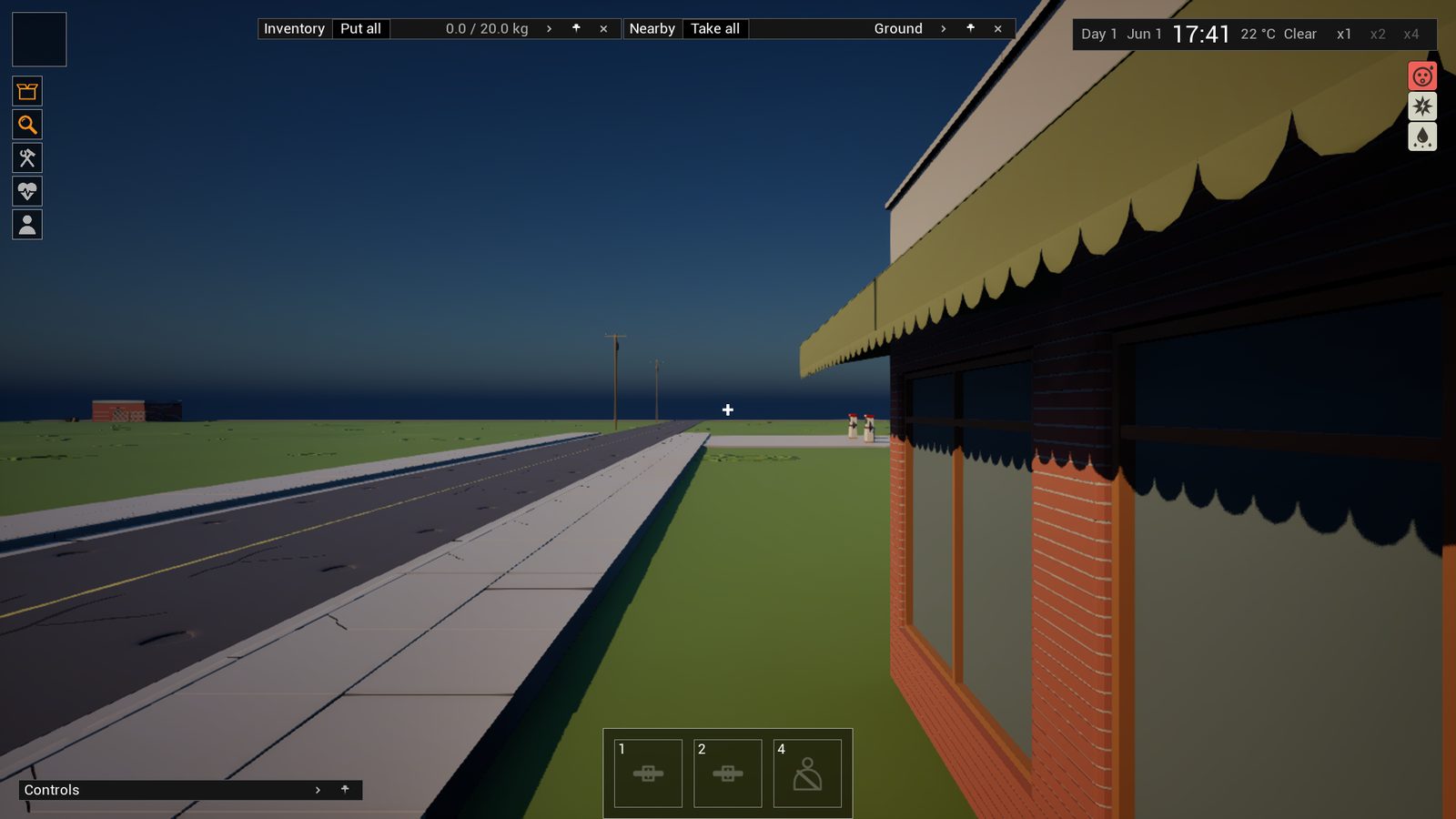
The camera is at the survivor's eyes, in perspective. A small cross, the widget
Content/ZombieSurvival/Blueprints/UI/WBP_Crosshair, marks the centre of the screen. The mouse cursor
stays free for the window bar, the loot windows and the menus.
| Key | What it does in first person |
|---|---|
| Right mouse, held | Turns the view and aims. Let go to use the cursor again. |
| Right mouse, short click | Opens the context menu of what is at the centre of the screen. |
| W A S D | Move relative to where you look. |
| Left mouse | Attacks or fires along your view. |
| E | Acts on the nearest thing in reach in front of you. |
What changes
The darkening outside the vision cone and the building cutaway are off, so walls and roofs stay. Zombies and other players behind a wall or behind you are still hidden.
On your own screen only the head of your survivor is hidden. You see your body when you look down,
and your weapon when you aim or swing. FirstPersonHiddenBone on BP_Survivor names the hidden
bone, head. The other players see your survivor as before.
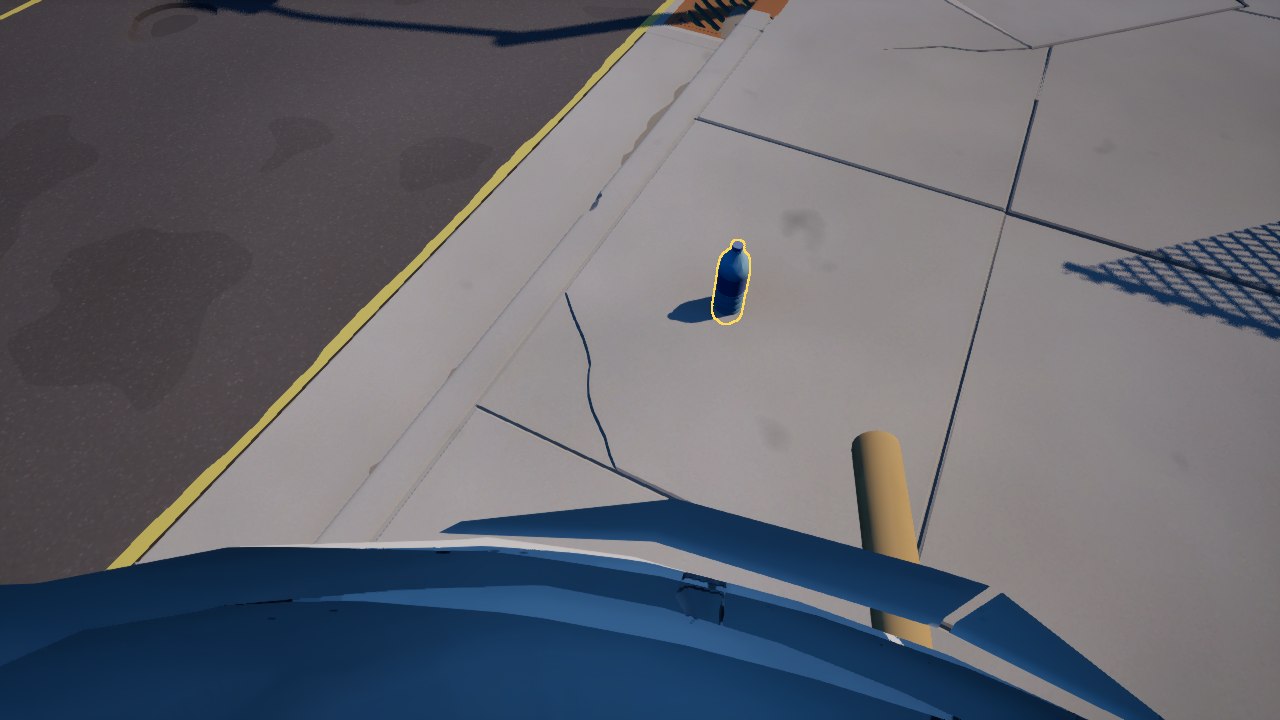
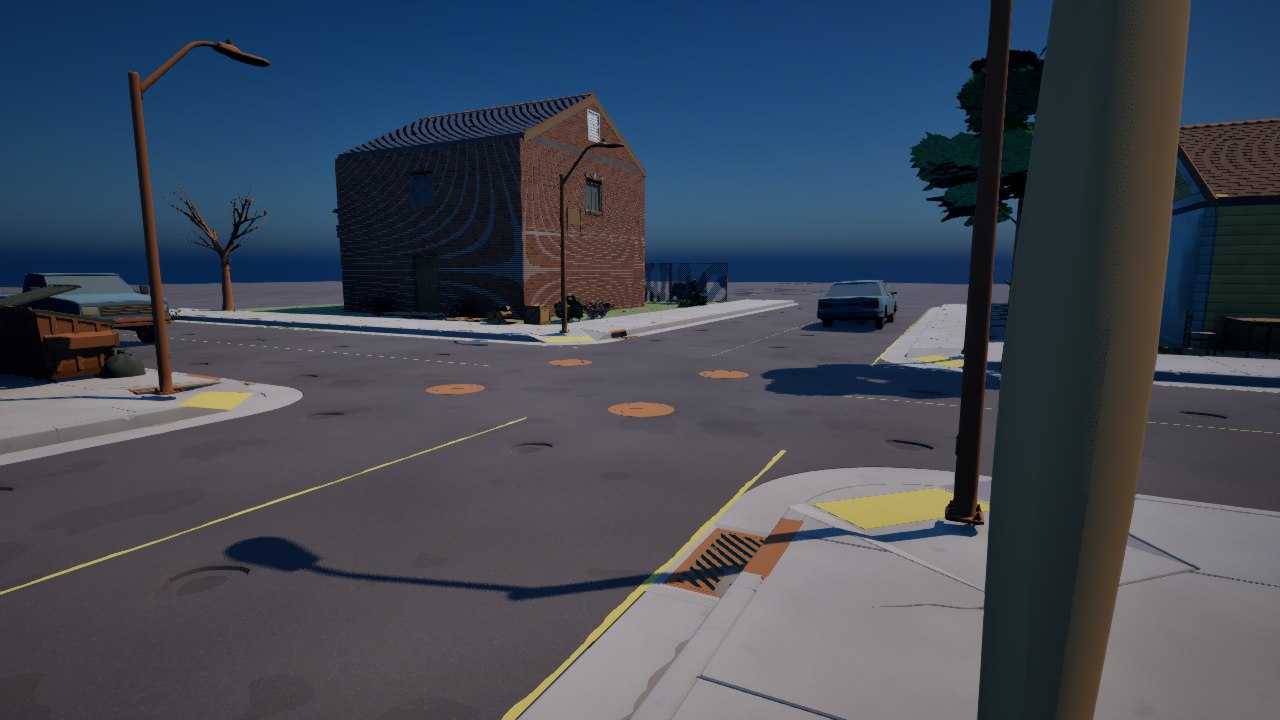
Every other system plays the same. First person has not been tested in co-op.
Limits
- Shots and swings stay level. The pitch of your view moves the camera, not the shot: a crawler at your feet is hit by the swing in front of you, not by where you look.
- The gamepad has no first person look.
- The mouse wheel zoom does nothing in this view.
- The hands rarely show. The camera looks at the survivor's own body from 15 cm in front of it, the
forward value of
FirstPersonEyeOffset. With a smaller value, the collar fills the screen. A first person arms mesh is yours to add. - In a vehicle, the view stays at the driver's eyes.
- Every player sees the view set in their own build. Ship one build, with one setting, to everyone.
If it does not work
- Nothing changed:
DA_Vision_Defaultwas not saved, or Play was not stopped and started again. - The view does not turn: hold the right mouse button (
LookKey). Moving the mouse alone moves the cursor. - Turning feels slow or fast: change
LookSensitivity.