Worlds, characters and options
Worlds
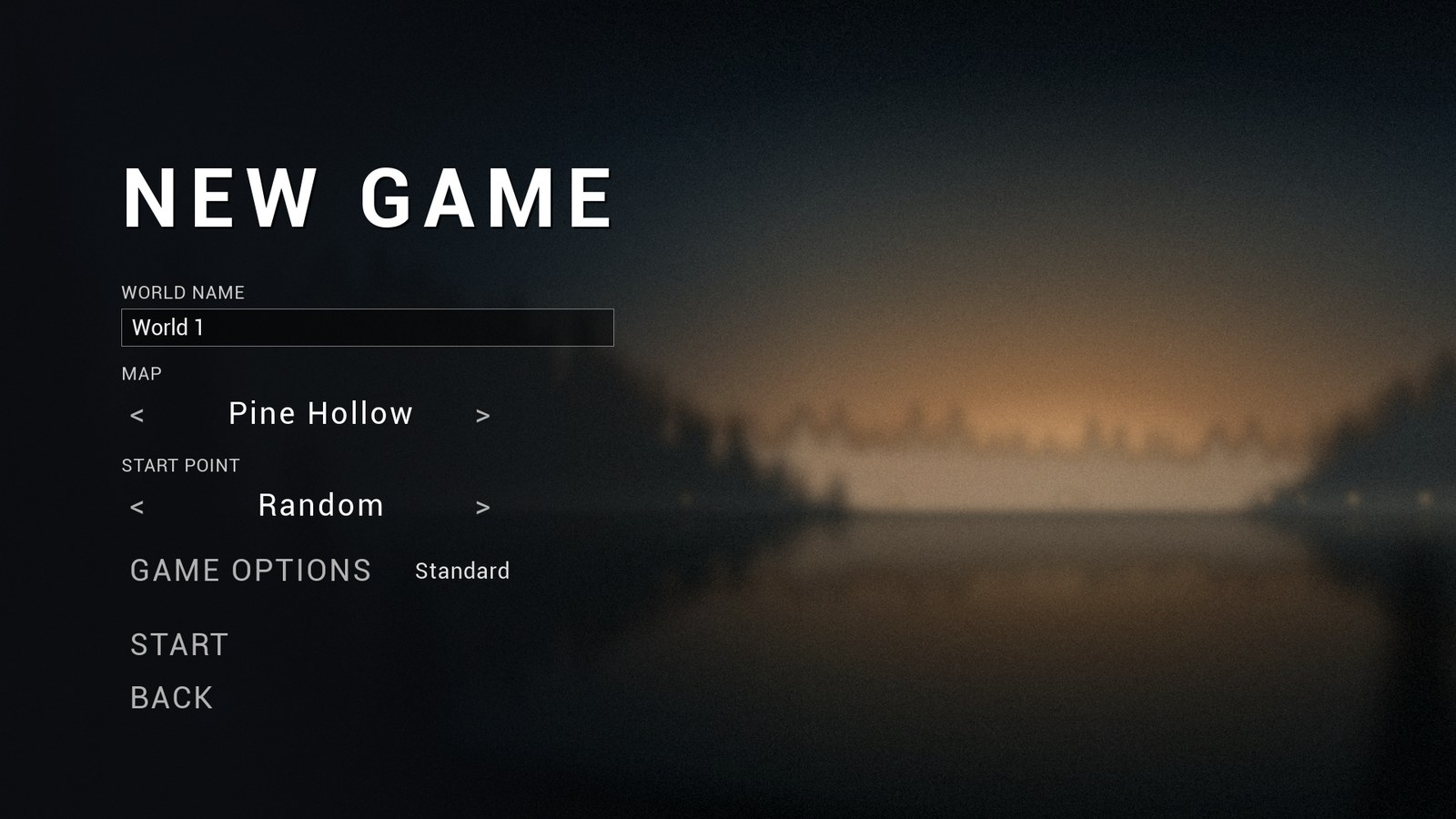
A player keeps as many worlds as they like, each with its own name.
| Button | What it does |
|---|---|
| NEW GAME | Asks for the name of the world, the map (any map listed in Maps), where everyone starts, and the game options. START opens character creation, then the world. |
| CONTINUE | Plays the last world played. |
| LOAD | Lists every world with its map, the days survived, the date it was last played and its preset. Each row offers PLAY, RENAME and DELETE. DELETE asks first, then erases the saves of that world for good. |
A world started from NEW GAME is played alone. It announces no session, so nobody can join it. To play together, host a world.
Game options
GAME OPTIONS is the same screen for a new game and for hosting. Pick a preset with the arrows, Standard, Easygoing or Unforgiving, then adjust any option within its bounds:
- zombie population;
- start hour, day length and start month;
- night darkness and bad weather;
- Construction strength, how many hits a built piece takes;
- Demolition, whether a sledgehammer may knock down built pieces and break doors;
- Needs speed and Experience gain;
- Player damage, whether hits and shots may hurt a teammate (off by default).
DONE keeps your choice, BACK or Esc drops it. A world keeps the options it was created with: when you host a saved world, GAME OPTIONS shows them and lets nothing change. To change the presets or add an option, follow Difficulty and presets and Tune the systems.
Where worlds are saved
Each world has its own pair of save files, ZS_World_<id>_A and ZS_World_<id>_B, written in turn,
and a line in the index ZS_Worlds. All of them are in the player's Saved/SaveGames/ folder.
Pressing Play on a map in the editor, without the menu, saves to ZS_World_A and ZS_World_B
instead, outside the worlds of the menu.
Where you start
Every new character of a world starts at the start point of that world, and a survivor who dies and
comes back starts there again. A start point is a Blueprints/World/BP_StartPoint actor, which is a
PlayerStart with a PointId. Two ship, North quarter and South quarter, on Pine Hollow. When
someone stands on the point, the character starts at the nearest free one.
Random is drawn once, the first time the world runs, and the save keeps the result. On a map
without start points, or for a world that names none, the ordinary PlayerStart actors of the map
are used.
Creating a character
Character creation has two pages.
The first sets the look: a name, a body (Manny or Quinn), a skin tone and an outfit, which is the occupation's own or any outfit of the catalogue. It has a RANDOM button, and a preview of the survivor that you drag with the mouse to turn.
The second sets the build: an occupation and traits, with the points left at the top, in red below zero. Positive traits cost points, negative ones give some back. A trait that excludes one you hold is greyed, and its tooltip says why.
SAVE PRESET and LOAD PRESET keep characters under a name in your local profile.
PLAY checks the choice. When it is not valid, the reason shows instead, for example Not enough
points or Traits that exclude each other. The rule is BP_ZSGameInstance.ValidateChoice, and the
host applies it to whatever a client sends.
The screen opens from NEW GAME and HOST, from the death screen, and over the world for a player who joins a world where they have no character yet. Until they press PLAY, that player has no survivor. A player coming back finds their survivor and skips the screen. BACK on the first page leaves the game.
Options
OPTIONS opens from the main menu or the pause menu. It has seven pages.
| Page | What it sets | Kept in |
|---|---|---|
| DISPLAY | window mode, resolution, vertical sync, frame limit, 3D resolution scale | the engine's GameUserSettings |
| GRAPHICS | an overall quality level, or each of ten quality groups | the engine's GameUserSettings |
| INTERFACE | interface scale (75 to 150 %), text size (Normal, Large, Larger), language, temperature unit | the local profile |
| AUDIO | one volume per sound bus | the local profile |
| CONTROLS | every remappable action: a primary key, a secondary key and a gamepad button | Enhanced Input's user settings |
| GAMEPAD | right stick aim speed, inverted vertical aim, vibration | the local profile |
| ACCESSIBILITY | aim and sprint held or toggled, strength of the screen effects of the needs | the local profile |
Nothing changes before APPLY, except keys, which take effect as soon as you press them. A change of window mode or resolution asks you to KEEP it, and goes back by itself after 15 seconds. RESET TO DEFAULTS puts the defaults back. On the CONTROLS page it resets the keys only.
To rebind, click a cell and press the new key. A key already used elsewhere is refused with the name of the action that has it, and pressing it again in the same cell swaps the two. Esc, the tilde, Enter and the gamepad's Menu button are reserved.
What the lists offer (frame limits, scales, sensitivities, effect levels, the reserved keys, the
order of the rows) is in DataAssets/UI/Childs/DA_OptionsSettings_Default.
The options apply to one player on one machine, and nothing follows a player from one PC to another. Only English ships. To add a language, translate the game.
Pause and death
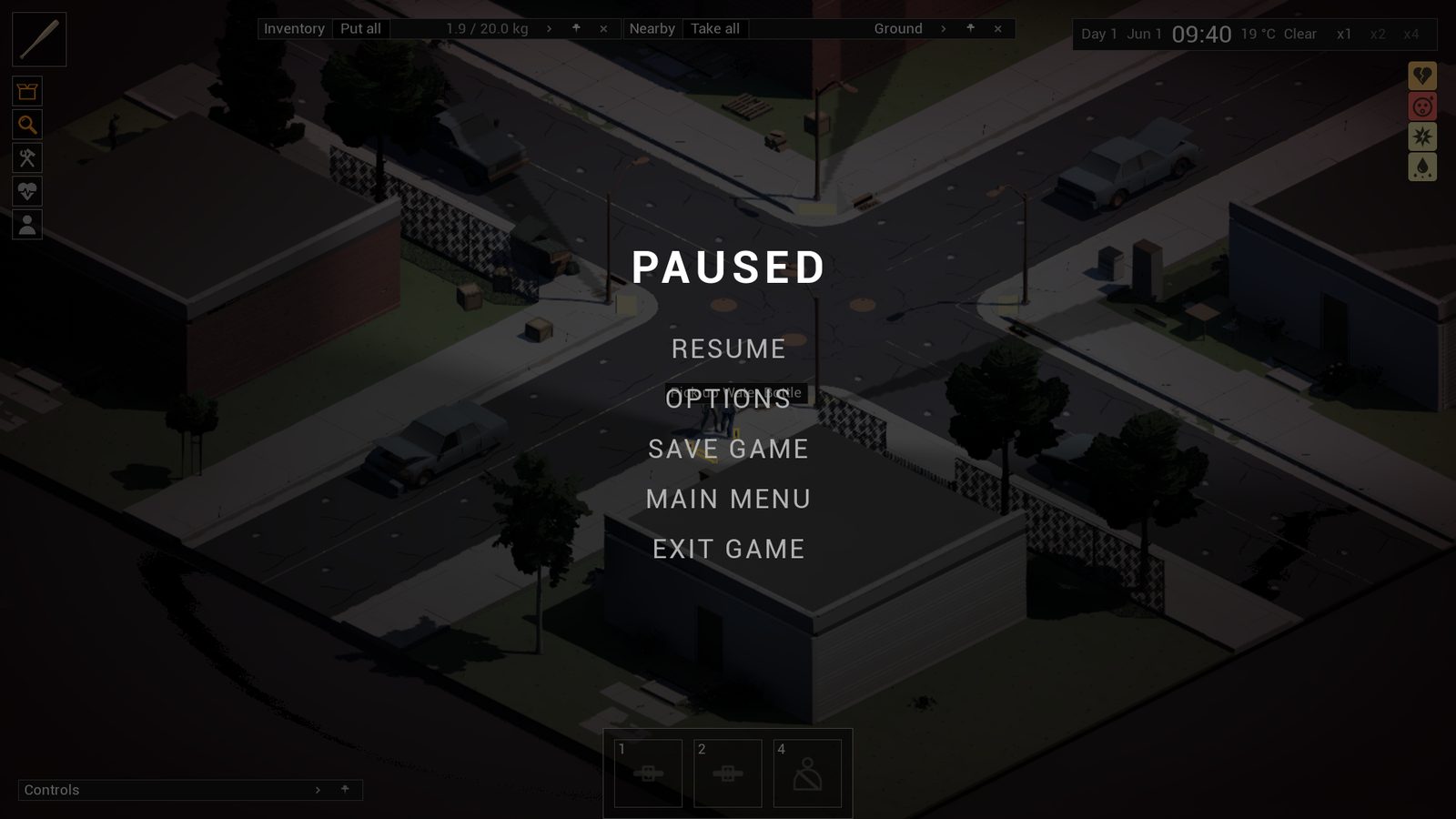
The pause menu offers RESUME, OPTIONS, SAVE GAME (the host only), MAIN MENU and EXIT GAME. It stops the world only while the host is alone. In co-op, a line under the title says that the world keeps running.
When a survivor dies, the death screen says how: the last hit taken in the 10 seconds before, from a zombie or another survivor, and otherwise the infection, hunger, thirst, bleeding, or a body that gave out. It also says how long you lasted and how many zombies you killed, then offers CREATE CHARACTER, MAIN MENU and EXIT GAME. The new character starts in the same world.