Getting started
Before you open it
You need Unreal Engine 5.8 (the launcher version) on Windows 10 or 11. That is enough to work in the editor.
Packaging a build needs more: Visual Studio's C++ tools and a Windows SDK. Package the game covers it.
What is in the download
A normal Unreal project: ZombieSurvival.uproject, the Config/ folder, and every asset under
Content/ZombieSurvival/. At the root you also get README.md, REFERENCE.md (this documentation in one file, to read offline), LICENSE.md and THIRD-PARTY.md.
There are no source files such as .blend, .png or .wav.
Replacing the content shows how to bring in your own.
Play it
- Open
ZombieSurvival.uprojectwith Unreal Engine 5.8. The editor opens on Pine Hollow (L_World). - Press Play. You start in the North quarter with a baseball bat and two bandages.
Pine Hollow is a World Partition map, so the editor only loads the area around the North quarter at first. Load the rest from Window > World Partition when you need it.
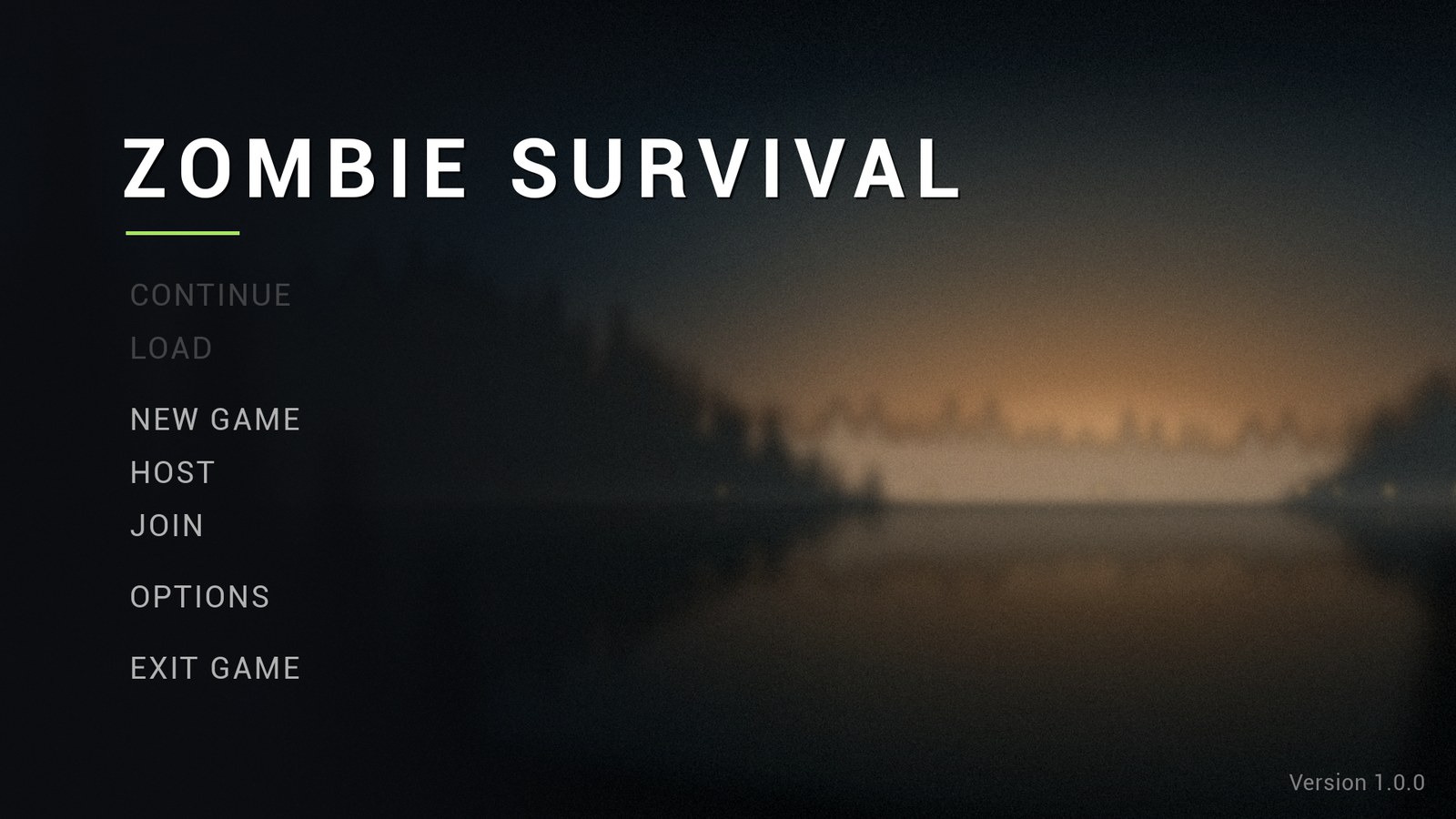
To go through the menus the way a player will, open Content/ZombieSurvival/Maps/L_Boot and press
Play. You get the main menu, then NEW GAME, the world settings and character creation.
Worlds, characters and options describes each screen.
Note
A game started with Play directly on the map saves to its own two files, ZS_World_A and
ZS_World_B. It does not touch the worlds listed in the menu.
The keys you need first
| Key | What it does |
|---|---|
| W A S D (or Z Q S D) | Move. Forward is always up the screen. |
| Right mouse, held | Aim. The survivor faces the cursor. |
| Right mouse, tapped | Open the menu of what is under the cursor. |
| Left mouse | Attack, or fire if you hold a gun. |
| E | Pick up, search, open. Hold it to climb. |
| Tab | Your bag, and what is within reach. |
| C, B, H, P | Crafting, building, health, character. |
Esc opens the pause menu in a standalone or packaged game. In the editor it stops Play instead.
The complete list, with the gamepad and the car, is in Controls. In the game, the Controls window on the left shows the same keys.
Next
- The maps, to know what is where.
- Concepts, before you change anything.
- Tutorials, to add your first item or zombie.
- Two players in the editor, to test co-op on one PC.